AI5 min read
AI Coding Assistants: How to Choose the Right Tool for Your Workflow
From autocomplete to autonomous coding agents, AI assistants are changing how developers work. Here is how to pick the right one for your stack and budget.
Search across all TechNova Daily articles — news, guides, reviews and tutorials.
From autocomplete to autonomous coding agents, AI assistants are changing how developers work. Here is how to pick the right one for your stack and budget.
An overview of current AI privacy risks, how companies handle your data and practical steps to protect your information.
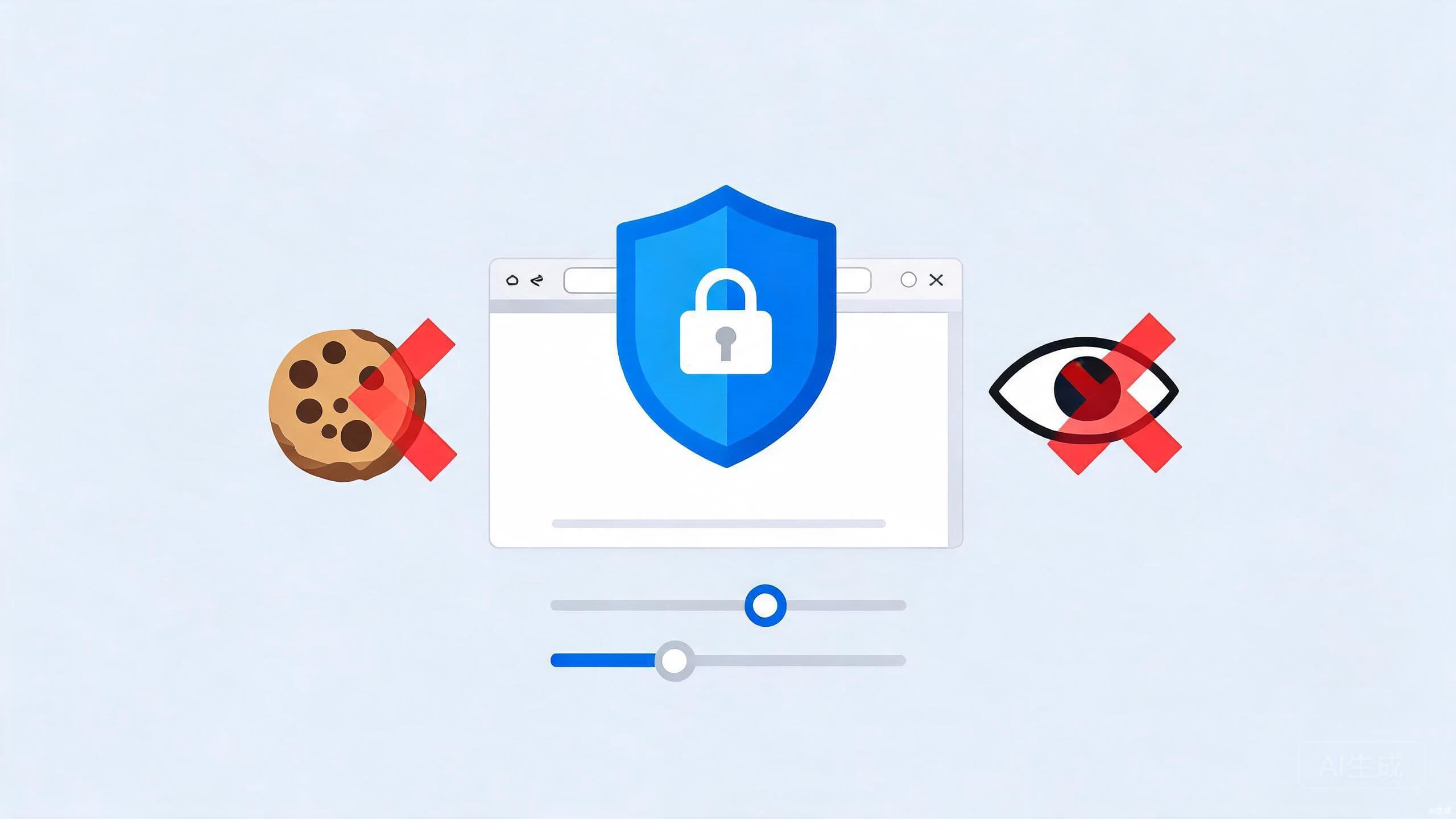
Practical browser privacy for beginners: tracking prevention, cookie choices, HTTPS-Only mode and the content blockers worth installing today.
A look at the cloud computing trends shaping 2026, including multi-cloud strategies, edge computing, serverless and AI integration.
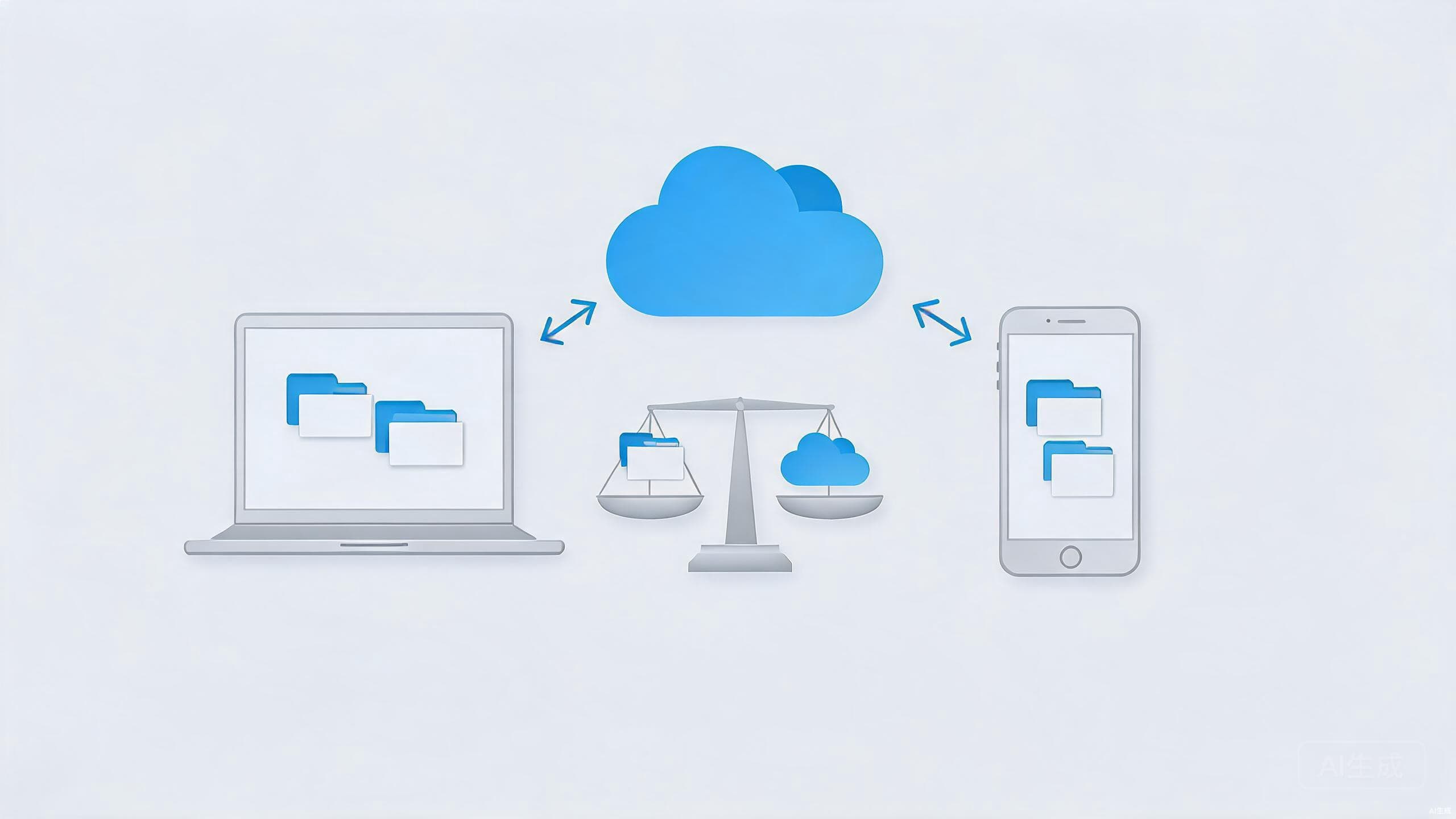
Learn how to compare consumer cloud storage services like Google Drive, OneDrive, Dropbox, and Proton Drive using security, price, and workflow criteria.
Practical cybersecurity habits that protect your accounts, devices and personal information from common online threats.
A practical, no-panic checklist for tightening your digital privacy: passwords, passkeys, browser habits, messaging, and data cleanup that anyone can do.
How collaboration tools, AI assistants and virtual offices are reshaping remote work in 2026.
Learn how to back up your data with local drives, cloud services and the 3-2-1 backup strategy.
A beginner-friendly comparison of Linux and Windows, covering ease of use, software, performance, security and use cases.
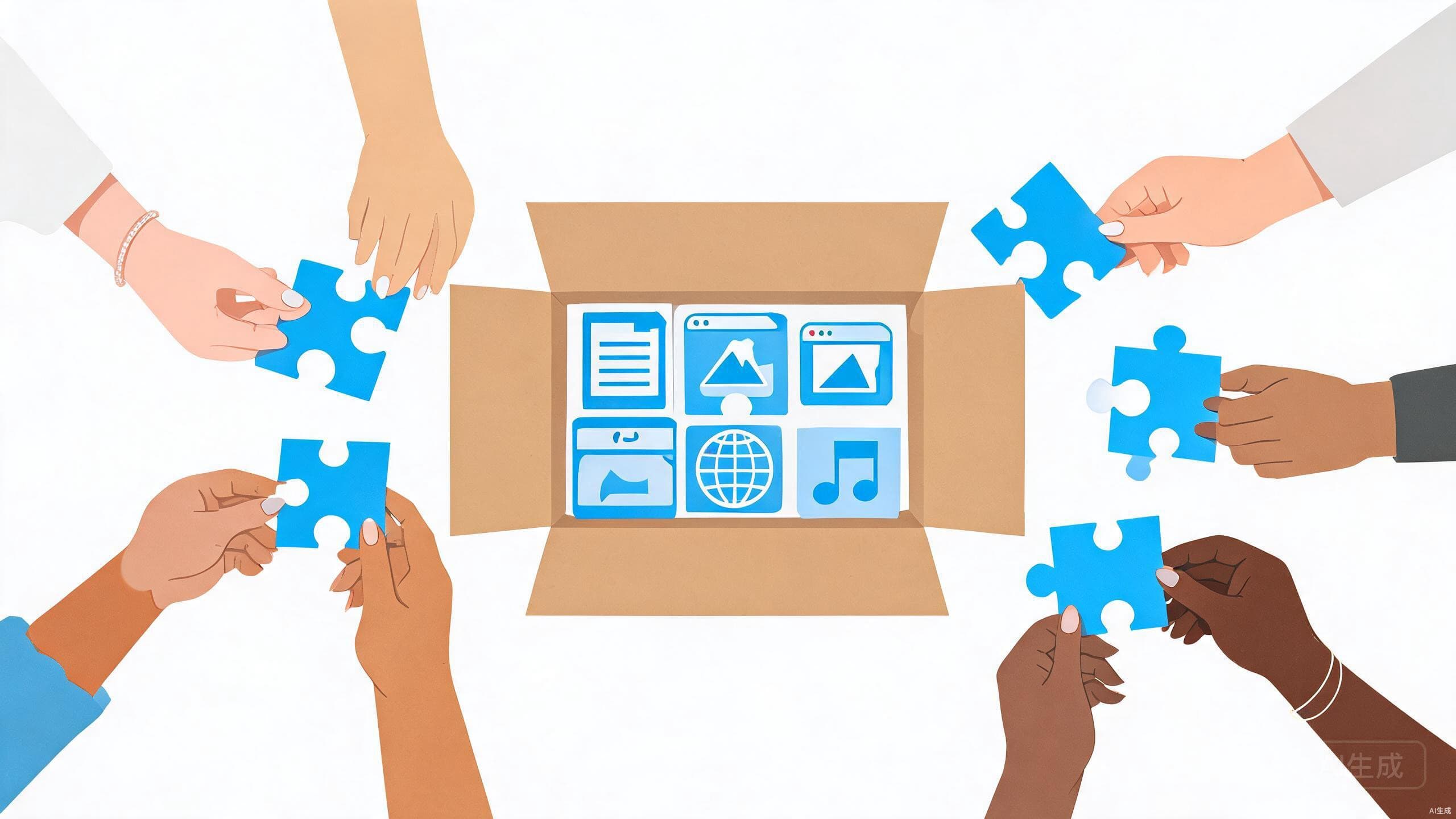
From LibreOffice to GIMP and Bitwarden, open-source alternatives can replace pricey subscriptions. Here is how to pick ones that are genuinely worth your time.
Passwords are easy to steal and hard to remember. Passkeys fix both problems. Here is how passkey login works and why it is safer than any password.
A beginner's guide to building a smart home, covering hubs, lights, security, assistants and privacy considerations.
A safe, step-by-step tutorial to speed up a slow Windows PC: clean up startup apps, free disk space, run updates and check for malware the right way.
Fifteen Windows 11 settings that quietly drain time and focus, with step-by-step paths through the Settings app to fix each one in a few minutes or less.