How to Build a More Private Digital Life: A Practical Checklist
A practical, no-panic checklist for tightening your digital privacy: passwords, passkeys, browser habits, messaging, and data cleanup that anyone can do.
Advertisement
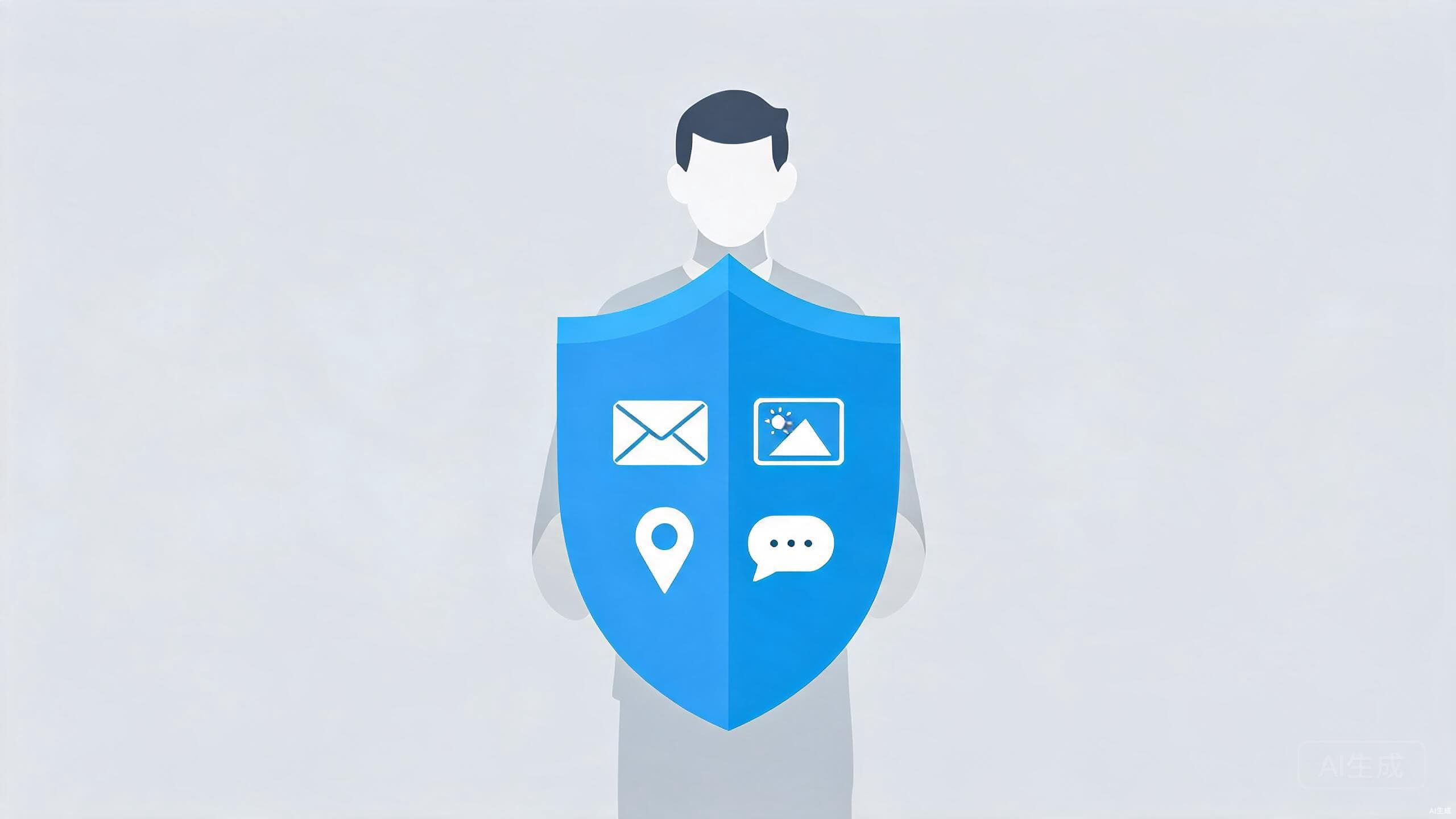
Privacy advice tends to come in two flavors: vague warnings about Big Tech, or exhaustive guides that assume you have a free weekend and a computer science degree. The reality is that most meaningful privacy wins take minutes, not weekends. You just need to know which changes actually move the needle.
This checklist focuses on the high-impact work first: accounts, browsers, devices, and the data trails you have accumulated over the years. Work through it in order, and you will end up with a digital life that is dramatically harder to snoop on, without giving up the services you actually use.
Know What You Are Protecting
Before changing a single setting, spend five minutes deciding what you actually care about. Privacy is not one thing. Keeping advertisers from building a profile of you requires different steps than keeping an attacker out of your accounts, or keeping your personal files out of a data breach.
Write down three quick answers. What data would embarrass you if it leaked? Which accounts would hurt the most if they were hijacked? Who specifically are you worried about — advertisers, hackers, data brokers, or just nosy apps? Your answers determine which parts of this list deserve the most attention. A journalist covering sensitive topics and a casual user should not follow the same playbook, and pretending otherwise is how people burn out on privacy halfway through.
Lock Down Your Accounts
Start with the assumption that at least one service you use will eventually be breached. The goal is to make sure a leaked password from one site is useless everywhere else.
- Use a password manager. Bitwarden, 1Password, and KeePass all work well. Generate a unique random password for every account and let the manager remember them. This single change eliminates the most common way accounts get taken over.
- Upgrade to passkeys where they are offered. Passkeys replace passwords entirely with device-based credentials that cannot be phished, and Google, Apple, and Microsoft all support them now. Our guide to passkeys walks through how they work and where to start.
- Turn on two-factor authentication for email, banking, and social media first. An authenticator app is stronger than SMS codes, which can be intercepted through carrier tricks.
- Protect the email side door. Anyone who controls your primary inbox can reset the passwords to most of your other accounts, so that account deserves the strongest protection you can give it.
None of this requires technical skill. It requires about an hour and the willingness to let software remember things for you.
Clean Up Your Browser Habits
Your browser is the single largest source of behavioral data about you, and it is the fastest place to reclaim ground.
Switch to a browser that does not sell your history. Firefox and Brave are solid options, and Safari is a reasonable choice on Apple devices. Then do a session of housekeeping: block third-party cookies, decline unnecessary notification prompts, and install a content blocker such as uBlock Origin. Note that some browser platforms restrict certain ad blockers, which is worth knowing before you commit to one.
Review your extensions too. Every extension can read what happens on the pages it touches, and abandoned extensions sometimes get sold to companies that monetize exactly that. If you cannot remember why you installed something, remove it. For a deeper walkthrough of the settings that matter most, see our beginner's guide to browser privacy.
Messaging deserves a quick look as well. If your conversations contain anything you would rather keep between two people, switch to an app with end-to-end encryption by default. Signal is the reference implementation; WhatsApp and iMessage also encrypt by default, though their metadata handling differs.
Audit Your Apps and Devices
Phones leak data in the background through permissions that made sense once but no longer do. Open your settings and check which apps have access to location, microphone, contacts, and camera. Set location access to "while using" or "ask every time" for anything that does not genuinely need it, and revoke microphone access from apps that have no business recording.
While you are there, delete apps you have not opened in six months. Fewer apps means fewer companies holding your data, fewer background processes pinging location servers, and a faster phone as a bonus. The same logic applies on the desktop: if software you barely use demands an account, that is a sign it is monetizing something other than your money.
Shrink Your Data Trail
Old accounts are a liability. Every service you signed up for and abandoned is another database with your name, email address, and password habits in it, waiting to be breached or sold to the highest bidder.
- Search your inbox for phrases like "welcome to" and "confirm your account" to surface services you forgot about, then close them properly rather than just ignoring them.
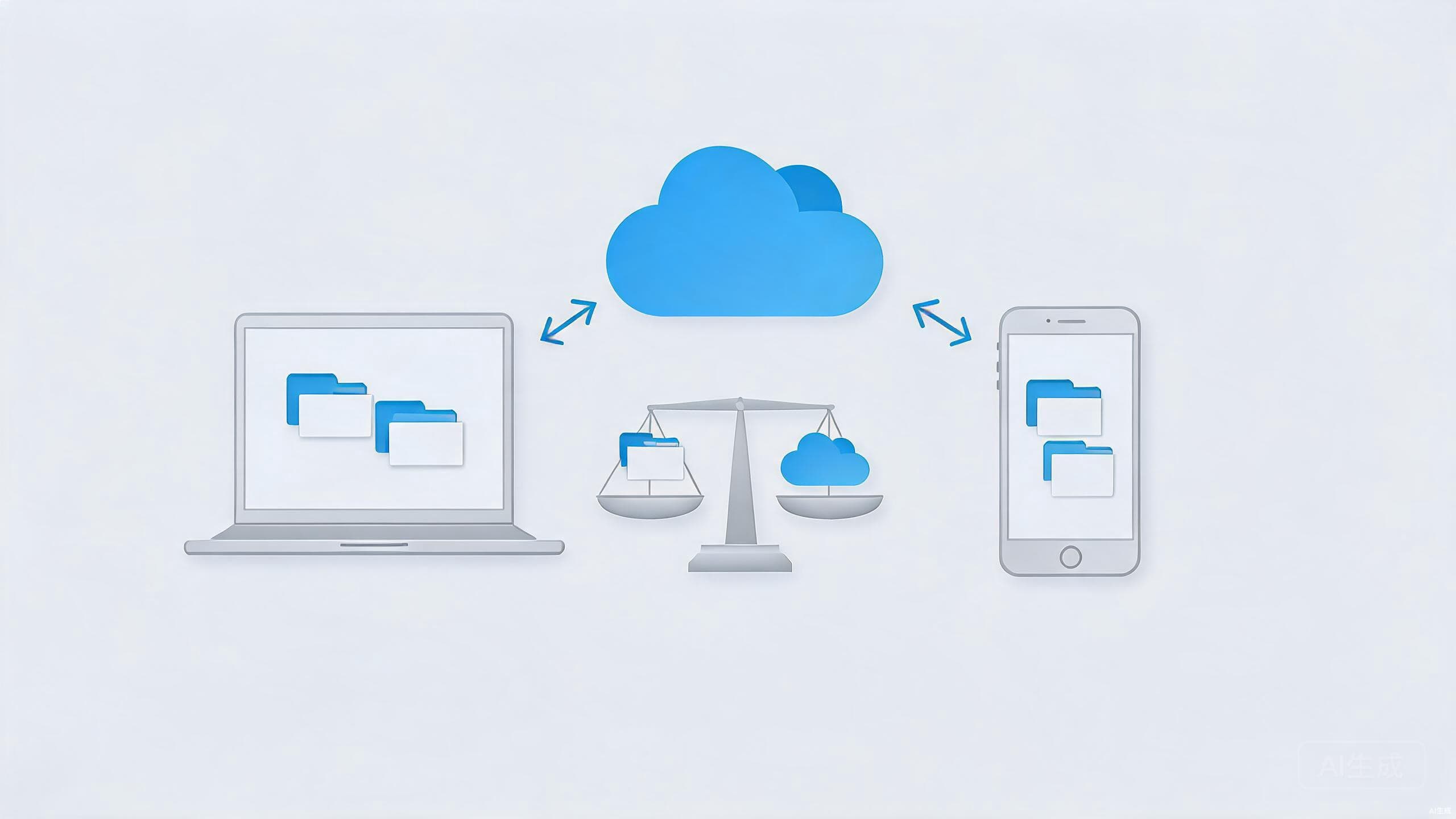
- Review where your files actually live. If you are deciding which provider deserves your long-term trust, our cloud storage comparison covers which services offer stronger encryption and cleaner deletion policies.
- Opt out of data broker listings where the option exists, and repeat the check a few times a year. Brokers tend to re-add profiles from public records, so one cleanup is never permanent.
Perfect privacy is impossible. The realistic goal is to raise the cost of profiling you until it stops being worth anyone's time.
Conclusion
You do not need to disappear from the internet to have meaningful privacy. A password manager, passkeys on your critical accounts, a hardened browser, a permission audit, and a round of old-account cleanup will put you ahead of the vast majority of users — and most of it can be finished in an afternoon.
Revisit the checklist once or twice a year. Services change their defaults, new features quietly switch themselves on, and yesterday's tight setup slowly loosens over time. Privacy is less a destination than a habit, and like any habit, it gets easier every time you run through it.