Choosing Consumer Cloud Storage: A Practical Comparison Framework
Learn how to compare consumer cloud storage services like Google Drive, OneDrive, Dropbox, and Proton Drive using security, price, and workflow criteria.
Advertisement
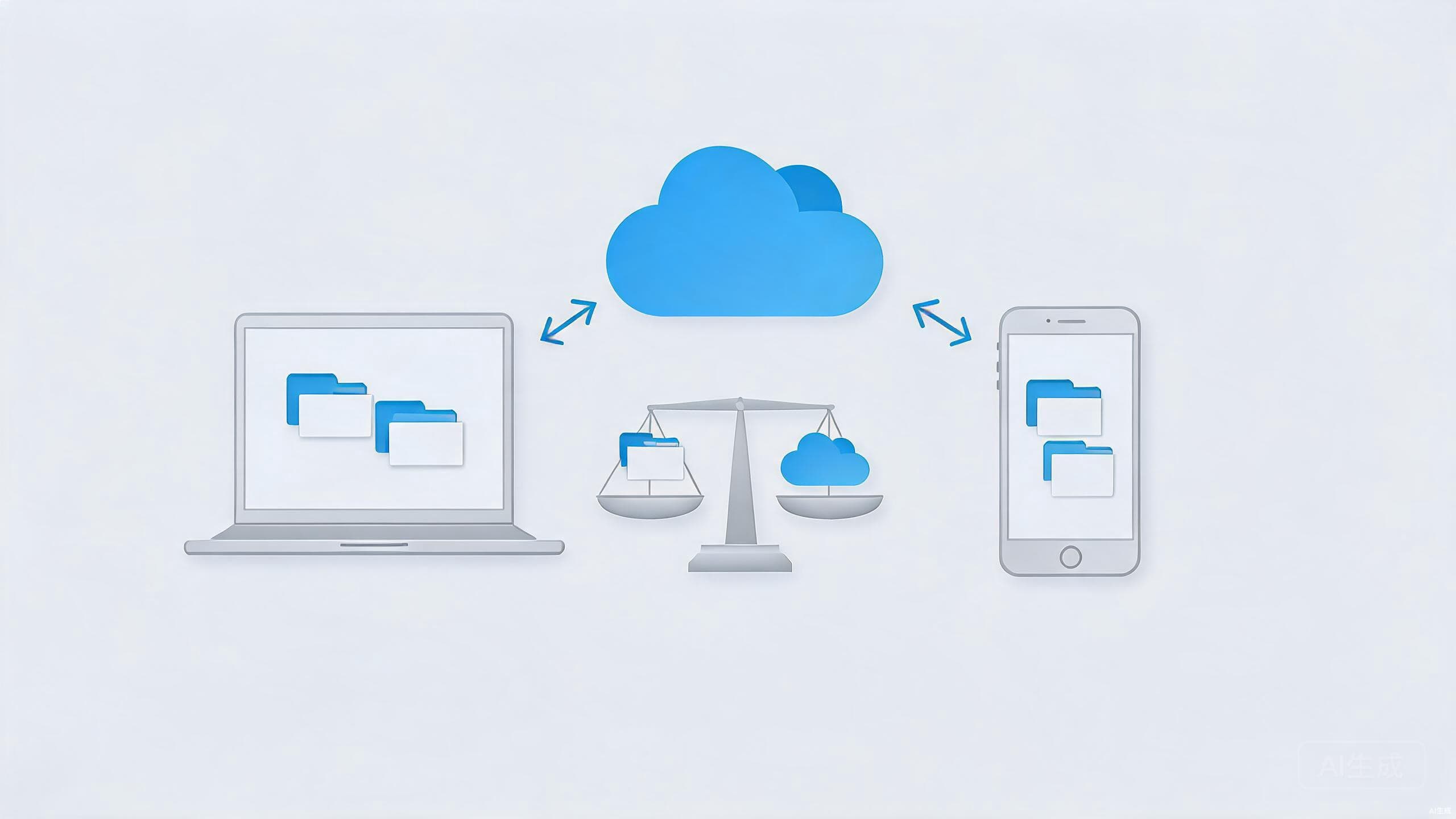
Google gives you Drive, Microsoft gives you OneDrive, Apple buries iCloud into everything, and Dropbox still sends the occasional reminder that it exists. Most people end up using whichever cloud storage arrived with their phone or laptop — a decision made by default rather than by design.
That works fine until your needs outgrow the free tier, or you start caring about who can actually read your files. At that point a framework beats brand loyalty. Here is how to compare consumer cloud storage on the things that genuinely matter, and how to match a service to the way you work.
The Criteria That Actually Matter
Five questions cut through most of the marketing.
- Capacity and cost. How much storage do you really need, and what does the next tier up cost? Most people overestimate their requirements, so check your current usage before assuming you have to pay at all.
- Ecosystem fit. If you live in Google's world, Drive's integration with Docs and Gmail is hard to beat. Apple users get friction-free iCloud sync. Fighting your ecosystem costs you time every single day, and that cost compounds.
- Security and privacy. Is content encrypted at rest? Does the provider offer end-to-end encryption, or at least zero-knowledge options? Where are the data centers located, and what legal jurisdiction governs them?
- Speed and reliability. Sync performance varies by provider and by region, and the only benchmark that matters is your own network. Test each candidate with a large folder before committing to it.
- Sharing and collaboration. Look for granular permissions, expiring links, password-protected shares, and how well co-editing works if that is part of your workflow.
Notice what is not on the list: brand familiarity. It is the single most common decision factor and the least informative one.
How the Big Services Compare
The table below summarizes the general character of the major consumer services. Specifics shift as plans get revised, so treat this as a starting point for your own research rather than a final verdict.
| Service | Best for | Free tier | Notable strength | Considerations |
|---|---|---|---|---|
| Google Drive | Google ecosystem, collaboration | Generous for documents | Best-in-class co-editing | Data tied to your Google account and ads profile |
| OneDrive | Windows and Microsoft 365 users | Modest, expands with a 365 plan | Deep Windows and Office integration | Weakest fit outside Microsoft's world |
| Dropbox | Cross-platform professionals | Small but usable | Excellent sync reliability and version history | Paid tiers are comparatively pricey |
| iCloud | Apple households | Enough for device backups | Invisible sync across Apple devices | Little value on Windows or Android |
| Proton Drive | Privacy-focused users | Limited | End-to-end encryption | Smaller feature set and ecosystem |
A pattern worth noticing: the services that integrate best with your devices are rarely the ones that protect your files best. That tension — convenience versus control — runs through every row of this table.
Matching a Service to Your Workflow
The right choice depends less on feature lists and more on how you actually work.
Students and office workers embedded in Google Docs or Microsoft 365 should simply use the storage that comes with their ecosystem; the collaboration features outweigh almost everything else. Photographers and video editors should prioritize raw capacity and robust version history, because large files and accidental overwrites are the daily enemies. If you mostly store tax documents, medical records, and other sensitive material, encryption matters more than collaboration — look at Proton Drive or, for full control, a self-hosted option like Nextcloud, which we cover in our open-source alternatives guide.
One practical tip: you are not limited to a single service. Plenty of people keep an ecosystem service for day-to-day collaboration and a separate encrypted provider for sensitive files. The split costs little and assigns each job to the tool that does it best. And if a large share of your "storage" is really notes, the decision intertwines with your note-taking app — our Obsidian vs Notion comparison covers how each one handles your data.
Privacy and Encryption Considerations
Most consumer cloud services encrypt your files on their servers, which protects against outside attackers but not against the provider itself. End-to-end encryption — where only you hold the keys — is the stronger guarantee, and among major consumer providers it remains the exception rather than the rule.
That may not matter for your photo library. It matters a great deal for anything you would not hand to a stranger: financial records, medical files, passport scans, business documents. If that kind of material is headed to the cloud, either choose a provider with end-to-end encryption or encrypt the files yourself before uploading. For a broader look at protecting your accounts and data, see our digital privacy checklist.
Also worth knowing: deleting a file from your sync folder rarely removes it immediately from provider servers or from devices you no longer own. Familiarize yourself with each service's recovery window, remote sign-out options, and account deletion policy before you actually need them. The worst time to learn how a provider handles data removal is the day you want your data gone.
Conclusion
There is no single best cloud storage service — only the best fit for your ecosystem, budget, and risk tolerance. Google Drive and OneDrive win on integration, Dropbox wins on raw sync quality, iCloud wins inside Apple's world, and encrypted specialists win when confidentiality is the priority.
Whatever you choose, make the decision deliberately. Storage lock-in is real: the longer your files, shares, and workflows live in one place, the harder migration becomes. Export a backup on a regular schedule, keep your originals somewhere else — an external drive still counts — and you will never be trapped by a price hike or a policy change.