Open-Source Alternatives to Popular Paid Software Worth Trying
From LibreOffice to GIMP and Bitwarden, open-source alternatives can replace pricey subscriptions. Here is how to pick ones that are genuinely worth your time.
Advertisement

Every year the average household stacks up another set of software subscriptions: an office suite here, a photo editor there, cloud storage on top of the pile. The bills arrive monthly, and switching costs keep most people paying long after the value has faded.
Open-source software has quietly become the strongest alternative it has ever been. Not every free tool matches its paid rival — some come close, and a few outright surpass them. Knowing which is which is the whole game, and this guide is built to help you play it.
What Open Source Actually Offers
The phrase means something specific: the source code is public, anyone can inspect it, and the license generally lets you use it freely. In practice that buys you three things. First, no subscription meter running in the background. Second, software that cannot be remotely deactivated because a company pivoted or shut down. Third, a level of trust that matters for anything touching sensitive data — security researchers can, and do, audit the code.
The tradeoffs are real too. Interfaces can feel less polished, documentation skews technical, and you give up the hand-holding that commercial support provides. For everyday categories like documents, photo editing, and password management, though, the gap has narrowed to the point where most people would struggle to name what they lost.
Office and Documents
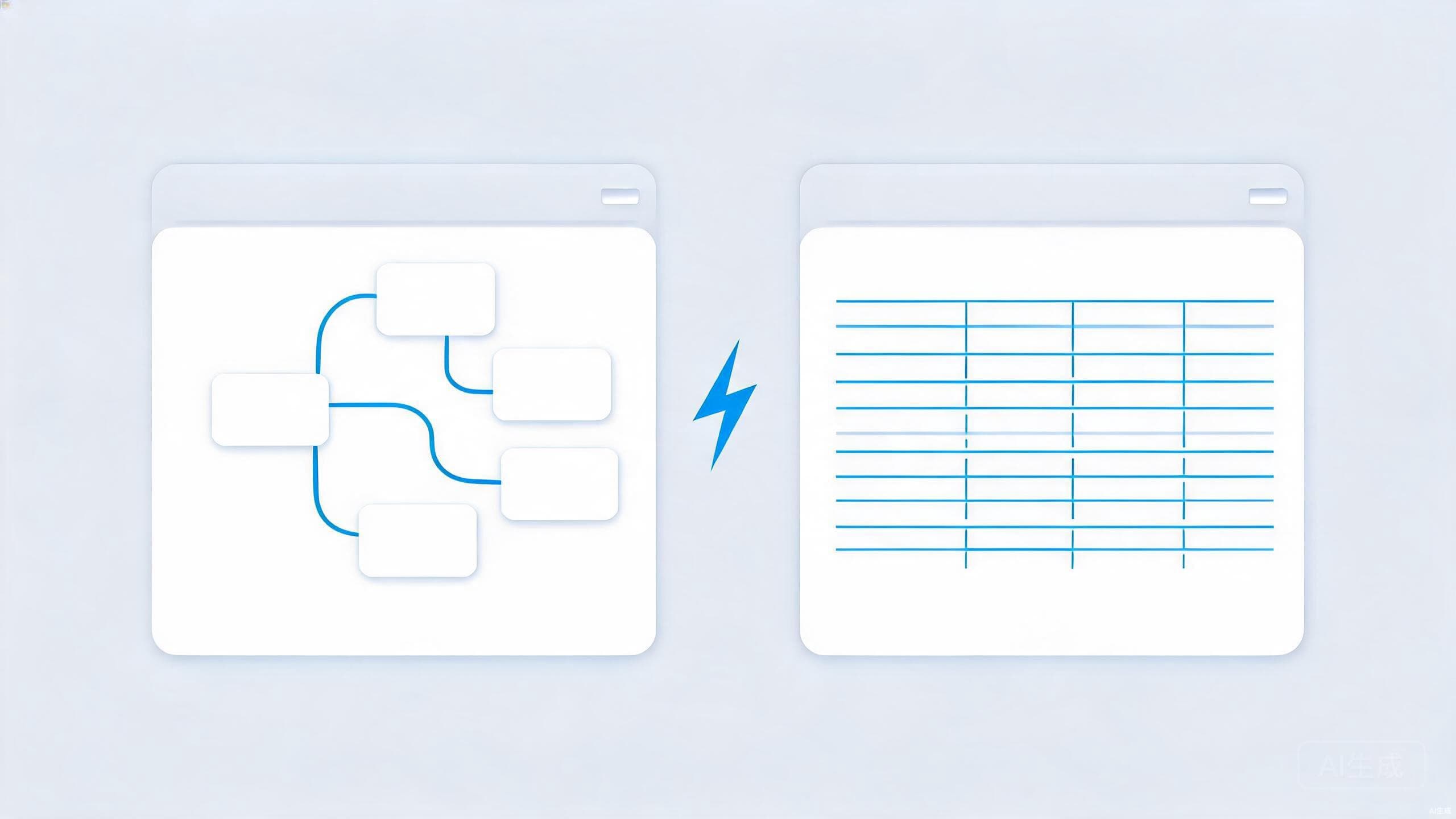
LibreOffice is the flagship here: a full suite with Writer, Calc, and Impress covering the vast majority of what home users and small businesses need from documents, spreadsheets, and presentations. It opens and saves Microsoft formats, though heavily formatted files can shift slightly in translation — test it on your real documents before you cancel anything.
For pure writing and personal knowledge work, Obsidian and Joplin handle Markdown notes beautifully, a space we compare at length in our Obsidian vs Notion breakdown. And if your office needs lean toward reading and annotating PDFs rather than authoring them, open-source viewers cover that job comfortably.
Creative Work Without the Subscription
This is the category where open source went from rough to genuinely competitive:
- GIMP for photo editing. The interface has a learning curve, but for retouching, layer work, and format conversion, it covers what most people actually use paid editors for.
- Krita for drawing and painting. Digital artists increasingly treat it as a first choice rather than a fallback, with brush engines that rival commercial tools.
- Blender for 3D and video editing. Its editor handles cuts and transitions well, and the 3D tooling is good enough that studios use it in real production pipelines.
- Audacity for audio. Recording a podcast or cleaning up a voice track is exactly the job it has done well for decades.
- Inkscape for vector graphics — logos, icons, and diagrams.
The honest caveat is file-format friction. If collaborators send you native project files from commercial tools, conversion is not always seamless, and plugin ecosystems tend to be smaller. Solitary creators have far less to worry about than teams exchanging files daily.
Passwords and Privacy Tools
Some of the most trusted names in security are open source. Bitwarden is a complete password manager with apps on every major platform, independently audited code, and cloud sync — and its free tier covers what most individuals need. KeePass suits people who want a local vault with no cloud involvement at all. Pair either with passkeys, which we explain in our passkeys guide, and your account security is effectively solved for the foreseeable future.
The same logic applies more widely. Messengers built on the Signal protocol handle private chats, and Proton publishes its client code for mail and other services. Choosing auditable software for sensitive jobs is a recurring theme in our digital privacy checklist — when the data is personal, transparency is not a nice-to-have.
Cloud Storage and Note-Taking
The hardest category to replace is the one that requires servers. Nextcloud is the standout option: install it on a spare machine or an inexpensive host and you get file sync, calendar, contacts, and photo galleries entirely under your control. It demands more setup than signing up for a commercial service — that is the price of independence — but nothing else matches it for people who want to own their infrastructure.
If self-hosting sounds like a project rather than a weekend, encrypted commercial providers or simple device-to-device sync can fill the gap. The tradeoffs between convenience and control are mapped out in our cloud storage comparison.
How to Evaluate Before You Commit
Before migrating any workflow to an open-source tool, check four things: the date of the last release, because active maintenance beats abandoned perfection; the state of the issue tracker, which tells you whether bugs get fixed; whether your data exports cleanly to standard formats; and whether a community forum or wiki answers basic questions. Ten minutes of checking saves months of quiet regret.
Conclusion
Open source will not replace every paid tool in your life, and it does not need to. The realistic goal is reclaiming the categories where the free option is genuinely equal — office documents, image editing, audio work, password management — and saving your money for the few tools that truly earn it.
Start with one. Replace a single subscription with LibreOffice, GIMP, or Bitwarden, use it for a month, and see whether you actually miss the paid version. Most people are more surprised by what they do not miss.