Passkeys Explained: Why Passwordless Login Is Replacing Passwords
Passwords are easy to steal and hard to remember. Passkeys fix both problems. Here is how passkey login works and why it is safer than any password.
Advertisement
Passwords have guarded the front door of the internet for half a century, and they have spent that entire time being terrible at the job. They get stolen in bulk from breached servers, tricked out of people by phishing pages, reused across dozens of accounts, and forgotten at the worst possible moments.
A replacement has finally arrived and is spreading quickly: passkeys. Built on open standards and backed by Apple, Google, Microsoft, and the FIDO Alliance, passkeys let you sign in with the same gesture you use to unlock your phone — and they are dramatically harder to attack than any password. Here is how they work and why the industry is so eager to retire passwords for good.
The Problem With Passwords
Every password's weakness flows from a single fact: the server has to check what you type against something it stores. That stored secret becomes a target.
The consequences are familiar to anyone who has ever been locked out of an account:
- Credential stuffing. When a breach leaks your email and password from one site, automated bots try that pair everywhere else. Reuse turns a single breach into a crime spree.
- Phishing. A convincing fake login page captures whatever you type, no hacking required. It remains one of the most effective attacks in existence.
- Password fatigue. Dozens of unique, complex passwords are impossible to remember, so most people don't even try. Password managers help — we recommend them in our digital privacy guide — but adoption remains modest.
Two-factor authentication patches some of these holes, but it is a bandage on a fundamentally compromised design. The industry wanted something better, and it built one.
What Is a Passkey?
A passkey is a login credential based on public-key cryptography, created through open standards from the FIDO Alliance and the World Wide Web Consortium known as WebAuthn. With a passkey, the server never holds a secret an attacker could steal and replay.
Instead, your device generates a matched pair of cryptographic keys:
- A public key, shared with the website, which is useless to an attacker on its own
- A private key, which never leaves your device
Logging in works like this. The site sends your device a challenge — essentially a one-time mathematical puzzle. Your device signs the challenge with the private key and returns the signature. The site verifies the signature using the public key. The private key itself is never transmitted, so there is nothing to intercept in transit and nothing for the server to leak in a breach.
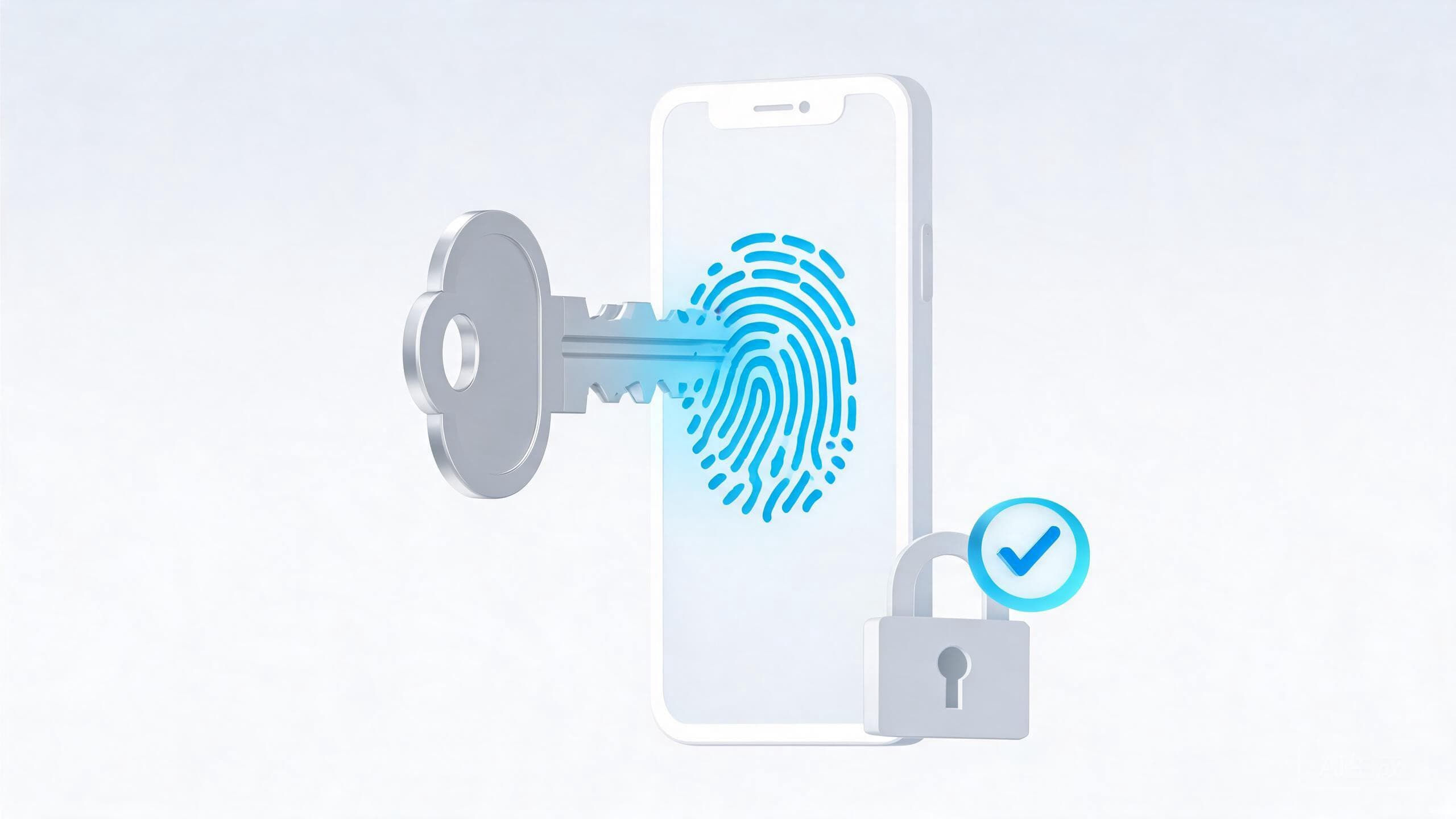
Unlocking the private key requires something only you have: your fingerprint, your face, your device PIN, or a hardware security key. So signing in feels exactly like unlocking your phone. There is no password to remember and no six-digit code to retype.
Why Passkeys Resist Phishing
The most important property of passkeys is that they are bound to the genuine website that created them. Your passkey for your bank is cryptographically linked to the bank's real domain. A phishing page at a lookalike address can ask for your login all day — your device simply will not offer the passkey, because the domain doesn't match.
That defeats the single most effective attack on the internet. Even a perfect phishing page that fools a careful user gains nothing, because the user's device refuses to play along. Passkeys also defeat credential stuffing by construction: every site gets its own unique key pair, and there is no password to reuse anywhere.
What If You Lose Your Device
The obvious worry — what happens when your phone falls in a lake — has several answers, and they are better than the password-era equivalents.
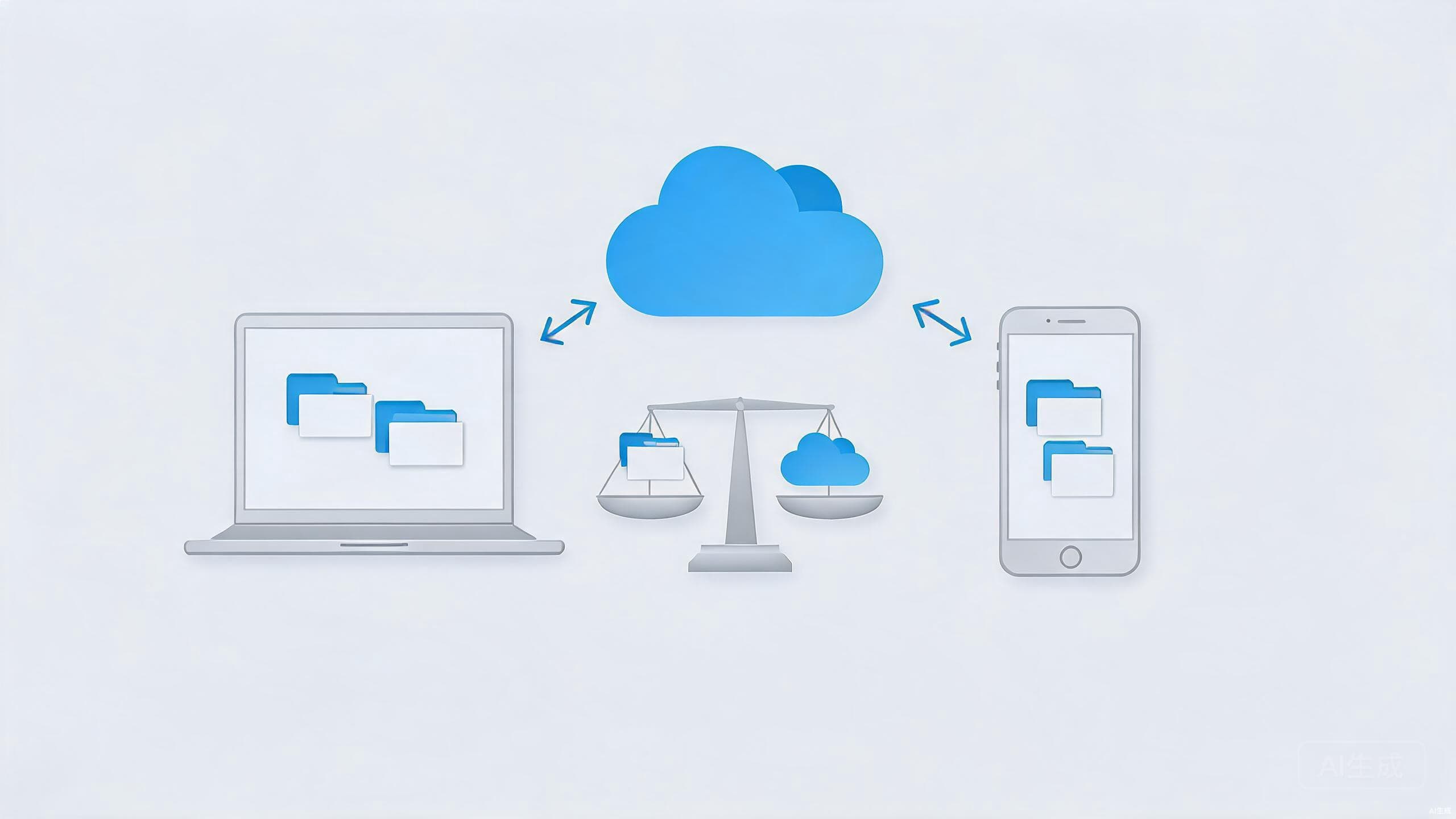
The major platforms sync passkeys through their cloud services, encrypted end to end. Lose your phone, sign into your account on the replacement, and your passkeys reappear. That sync is what makes passkeys far more practical than the earliest hardware-key login schemes, which locked you out the moment you lost the key.
For extra resilience, you can register more than one passkey per account — one on your phone, one on a security key kept in a drawer — or save printed one-time recovery codes, the same way careful people already back up two-factor apps. Recovering a passkey account is typically at least as easy as the "forgot password" email dance, and usually safer, because account recovery is where the strongest protections live.
Should You Switch to Passkeys Today?
Yes, wherever they are offered. Creating a passkey takes under a minute, and passkeys coexist with passwords — adding one doesn't lock you out of anything.
Practical advice for getting started:
- When a site offers to "create a passkey" or "sign in with a passkey", take it. Banks, email providers, and major platforms have been rolling this out steadily.
- Use your platform's built-in manager — Apple's and Google's ecosystems sync passkeys reliably — or a third-party password manager that supports them.
- Keep your recovery options current, especially for your primary email account, which guards everything else.
- Pair the change with smarter browser habits; our beginner's guide to browser privacy covers settings worth enabling alongside stronger logins.
Passwords will linger for years on sites that drag their feet, and passkey support still varies widely. But the direction is set: an industry that spent decades telling people to invent stronger passwords has finally built something that doesn't need them at all.
Conclusion
Passkeys swap a system humans are bad at — inventing and remembering secrets — for one computers are excellent at: cryptography. Logging in becomes a fingerprint tap, phishing pages become pointless, and breach notifications stop mattering quite so much, because there is no password sitting in the leaked database to try elsewhere.
The transition will take time, but there is no reason to wait for the finish line. Every account you move to a passkey today is one less password to remember, reuse, or lose.