The Best Note-Taking Apps Compared for 2026
A detailed comparison of the best note-taking apps in 2026, including Notion, Obsidian, Evernote, OneNote and Apple Notes.
Advertisement
The Best Note-Taking Apps Compared for 2026
Note-taking apps have become essential productivity tools. Whether you capture meeting notes, research, journal entries or project plans, the right app can organize your thinking and save hours every week.
In 2026, several strong contenders dominate the market. This guide compares the most popular options and explains who each one is best for.
Notion
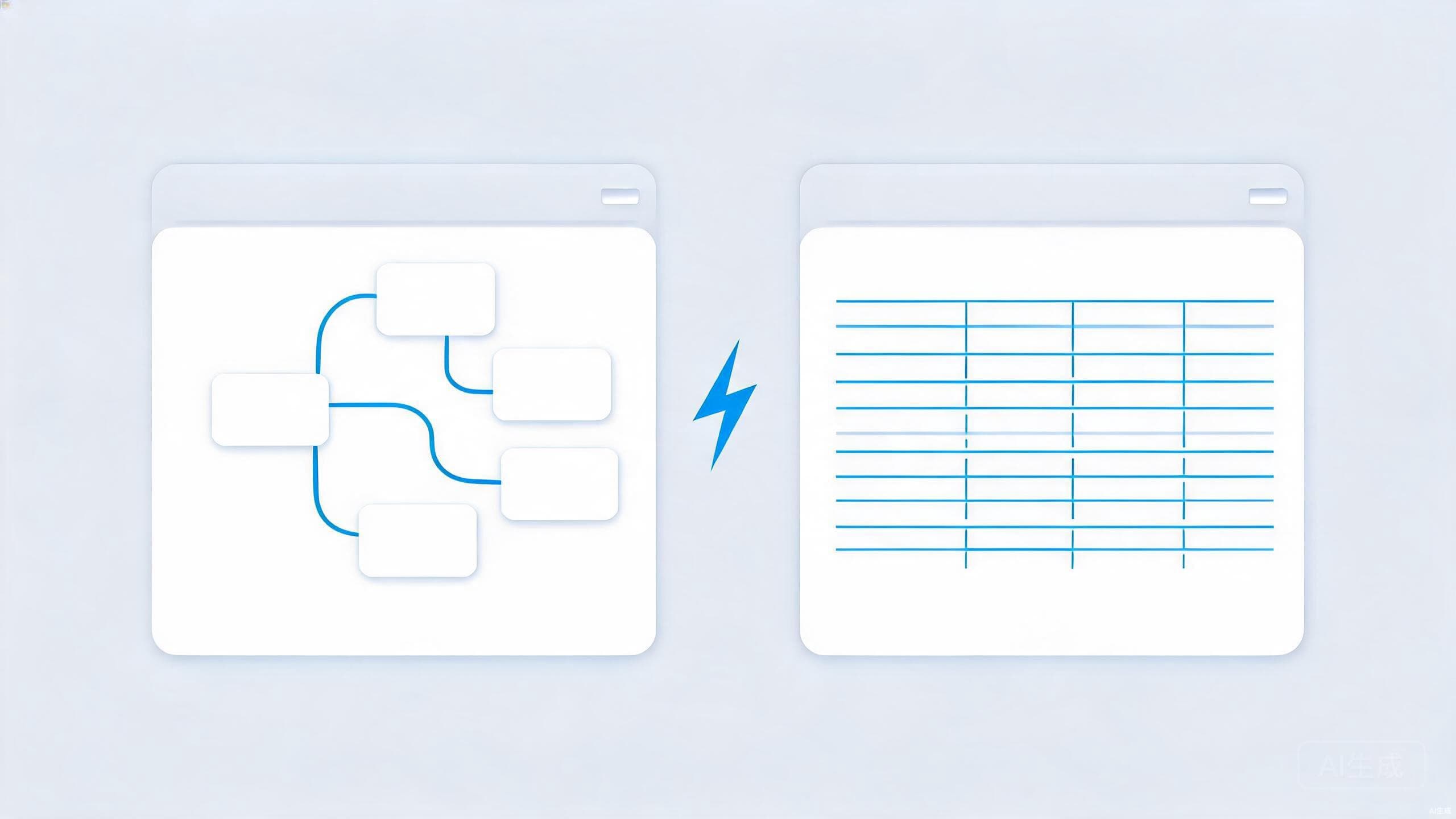
Notion combines notes, databases, wikis and project management in one flexible workspace. It is ideal for teams and individuals who want to build custom systems. You can create relational databases, kanban boards, calendars and documents inside the same app.
The learning curve is steeper than simpler apps, but the payoff is high for power users. Notion's AI features can summarize notes, draft content and extract action items.
Obsidian
Obsidian is built around local Markdown files and bi-directional linking. It is popular among writers, researchers and anyone who thinks in connected ideas. Your notes live on your device by default, which appeals to privacy-conscious users.
The app offers hundreds of community plugins for customization. It is less polished for collaboration than Notion but unmatched for personal knowledge management.
Internal link: Read our deeper Obsidian vs Notion comparison.
Evernote
Evernote was once the king of note-taking and remains a solid choice for capturing web clips, documents and handwritten notes. Its recent redesigns have improved speed and reliability. It is best for users who want a traditional, organized notebook structure with strong search.
OneNote
Microsoft OneNote is free and integrates deeply with Office. It mimics a physical notebook with sections and pages, making it familiar for students and professionals already using Microsoft tools. Handwriting support is excellent on tablets.
Apple Notes
Apple Notes is surprisingly capable for a built-in app. It supports folders, tags, scanned documents, shared notes and handwriting. If you use an iPhone, iPad and Mac, Apple Notes offers the smoothest experience with no extra cost.
Which One Should You Choose?
- Choose Notion if you need databases, templates and team collaboration.
- Choose Obsidian if you value privacy, linking and local files.
- Choose Evernote if you want a reliable, traditional note-taking experience.
- Choose OneNote if you live in the Microsoft ecosystem.
- Choose Apple Notes if you want simplicity across Apple devices.
Conclusion
There is no single best note-taking app for everyone. The right choice depends on your workflow, devices and whether you work alone or with a team. Most apps offer free trials, so test two or three before committing. The best note-taking system is the one you actually use every day.