Obsidian vs Notion: Which Note-Taking App Fits the Way You Work?
Obsidian and Notion solve different problems. This comparison breaks down structure, offline access, collaboration, and privacy to help you pick your fit.
Advertisement
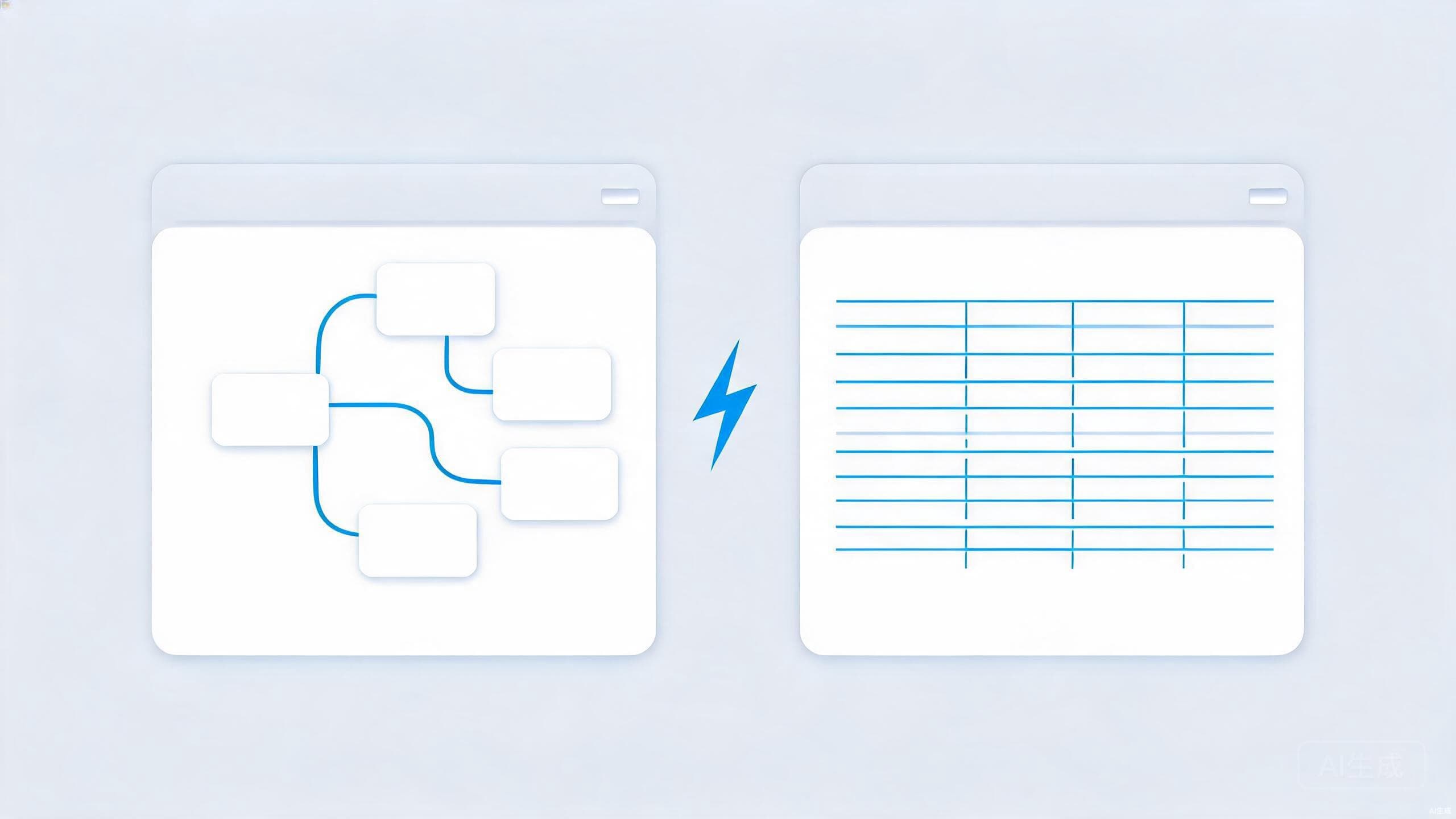
Ask around any office which note app people use and you will hear the same two answers over and over: Obsidian and Notion. The debate gets surprisingly heated, which is odd when you realize the two apps are barely solving the same problem.
Obsidian is a local-first knowledge base built on plain Markdown files. Notion is a flexible online workspace that blends notes, databases, wikis, and project management into one product. Choosing between them is less about feature checkboxes and more about how you think, where your data should live, and whether you work alone or with a team.
Where Obsidian Shines
Obsidian's core promise is ownership. Notes are plain Markdown files sitting in a folder on your own computer. If the company vanished tomorrow, your notes would still open in any text editor on earth. That kind of resilience is rare in modern software, and it is a big part of why writers, researchers, and developers keep gravitating to it.
The linking model is the other draw. Obsidian treats notes as a network rather than a hierarchy — you link concepts freely, and backlinks plus the graph view let you stumble onto connections you would otherwise forget. Students building a knowledge base for exams and researchers mapping out a field tend to find that this genuinely changes how they work, not just where they store things.
It is also fast. Because everything lives locally, search is effectively instant, offline use is total, and there is no sync delay or loading spinner. A large vault with thousands of notes opens as quickly as a small one, which is not something cloud-based tools can say.
Obsidian is free for personal use, with optional paid services for syncing and publishing. Since notes are ordinary files, you can also sync them yourself with any file-sync tool and skip the paid add-ons entirely.
Where Notion Shines
Notion wins on structure and collaboration. Its databases — with custom views, filters, and relations — let you build a CRM, a content calendar, or a habit tracker out of the same primitives, and pages can hold almost anything: tables, boards, embeds, checklists. If your notes need to behave like a lightweight app, Notion gets you there without writing code.
Teams are Notion's natural habitat. Real-time co-editing, comments, granular sharing permissions, and a shared workspace make it easy for a whole company to operate out of one place. Meeting notes that turn into tracked tasks, wikis that product teams actually maintain, and documents that non-technical colleagues will actually read — Notion is hard to beat for all of it.
Onboarding is friendlier too. Templates abound, the block-based editor is approachable, and nothing needs configuring before you can share a page with a colleague. Obsidian rewards people who like to tinker; Notion rewards people who want to start working within the first ten minutes.
Side-by-Side Comparison
| Aspect | Obsidian | Notion |
|---|---|---|
| Data model | Local Markdown files you own | Content hosted by Notion |
| Offline support | Complete | Limited; needs a connection to shine |
| Collaboration | Built for individuals | Real-time, multi-user, with permissions |
| Structure | Free-form links and backlinks | Databases, views, and nested pages |
| Privacy | Files stay on your device | Cloud-hosted by design |
| Cost model | Free for personal use; paid extras | Free tier; paid plans for teams |
Read the table with your own habits in mind. The rows that involve other people — collaboration, sharing, permissions — tilt toward Notion, while the rows about data, speed, and ownership tilt toward Obsidian. Most people already know which direction they lean before they finish the list.
How to Choose
Choose Obsidian if
You write a lot, your notes are primarily for yourself, you want to own your data as plain files, and you are building an interconnected knowledge base over years rather than weeks. Writers, developers, students, and researchers fit this profile. Privacy-minded users often land here too, since notes never leave your machine unless you decide they should — a theme we explore in our digital privacy checklist.
Choose Notion if
Your notes are really a shared workspace: team wikis, project tracking, meeting documents, or anything collaborators need to edit together. Notion's databases and permission system do work Obsidian cannot realistically match, and the polish for group use is obvious from day one. If your workplace already runs on it, the decision has effectively been made for you.
Consider both
Nothing stops you from drafting personal thinking in Obsidian while your team runs on Notion. Plenty of people keep deep notes locally and publish finished material where the team lives. If you go that route, spend a few minutes deciding how each set of files gets synced and backed up — our cloud storage comparison can help you sort the options.
Conclusion
The Obsidian versus Notion debate stays heated because both apps are genuinely excellent at what they do — they just do different things. Obsidian offers speed, ownership, and a linking model built for thinkers; Notion offers structure, polish, and collaboration built for teams. Pick based on how you actually work, not on which community shouts louder.
And if neither feels quite right after a fair trial, the wider world of note-taking apps and open-source options — which we survey in our open-source alternatives guide — has never been stronger. The best note app is the one you will still be using in two years, and that is ultimately a question of fit, not features.