AI5 min read
AI Coding Assistants: How to Choose the Right Tool for Your Workflow
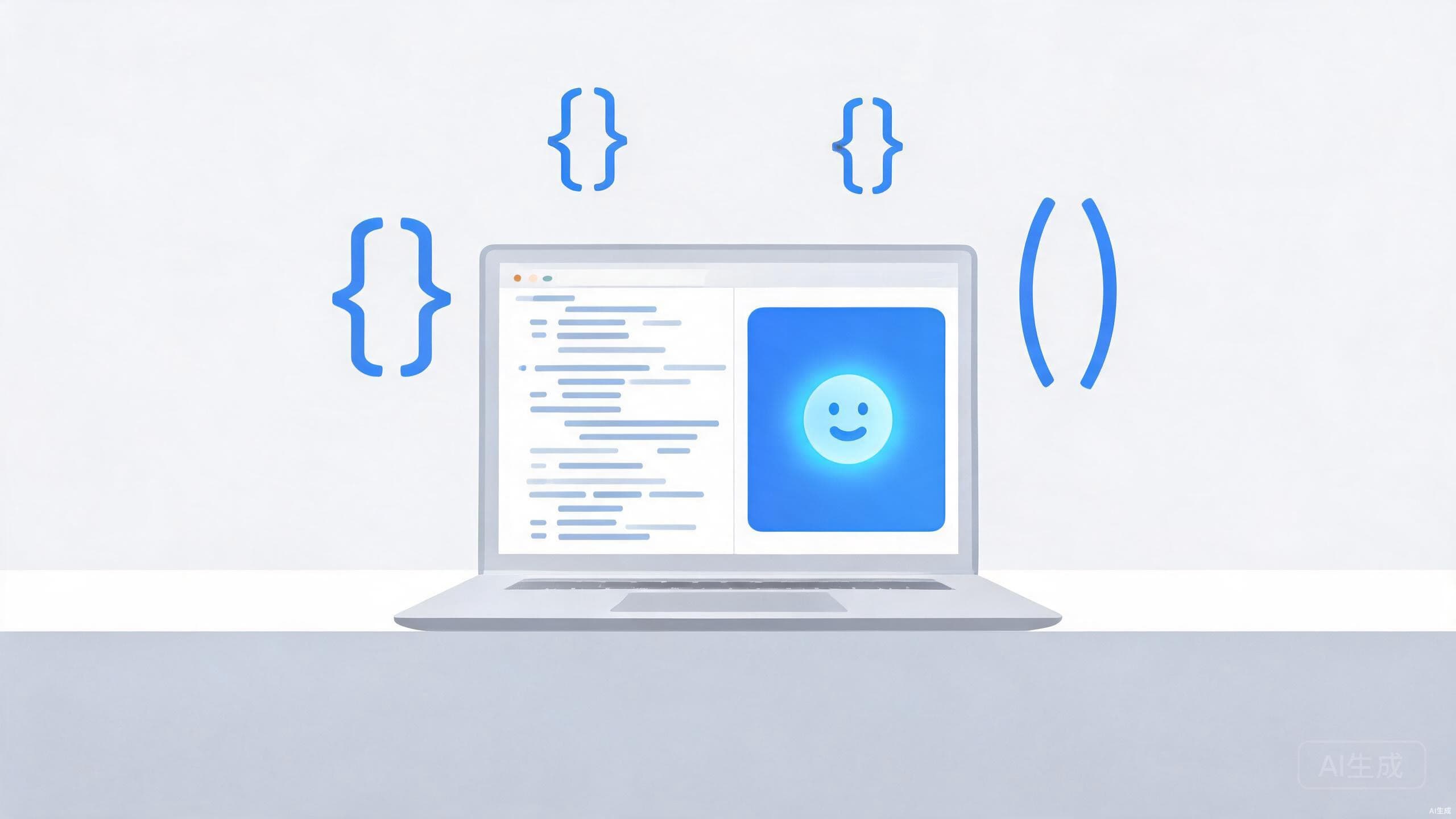
From autocomplete to autonomous coding agents, AI assistants are changing how developers work. Here is how to pick the right one for your stack and budget.
Search across all TechNova Daily articles — news, guides, reviews and tutorials.
From autocomplete to autonomous coding agents, AI assistants are changing how developers work. Here is how to pick the right one for your stack and budget.
An overview of current AI privacy risks, how companies handle your data and practical steps to protect your information.
A detailed comparison of the best note-taking apps in 2026, including Notion, Obsidian, Evernote, OneNote and Apple Notes.
A practical framework for evaluating budget laptops: display, keyboard, performance, battery and build quality checks before you spend a dollar.
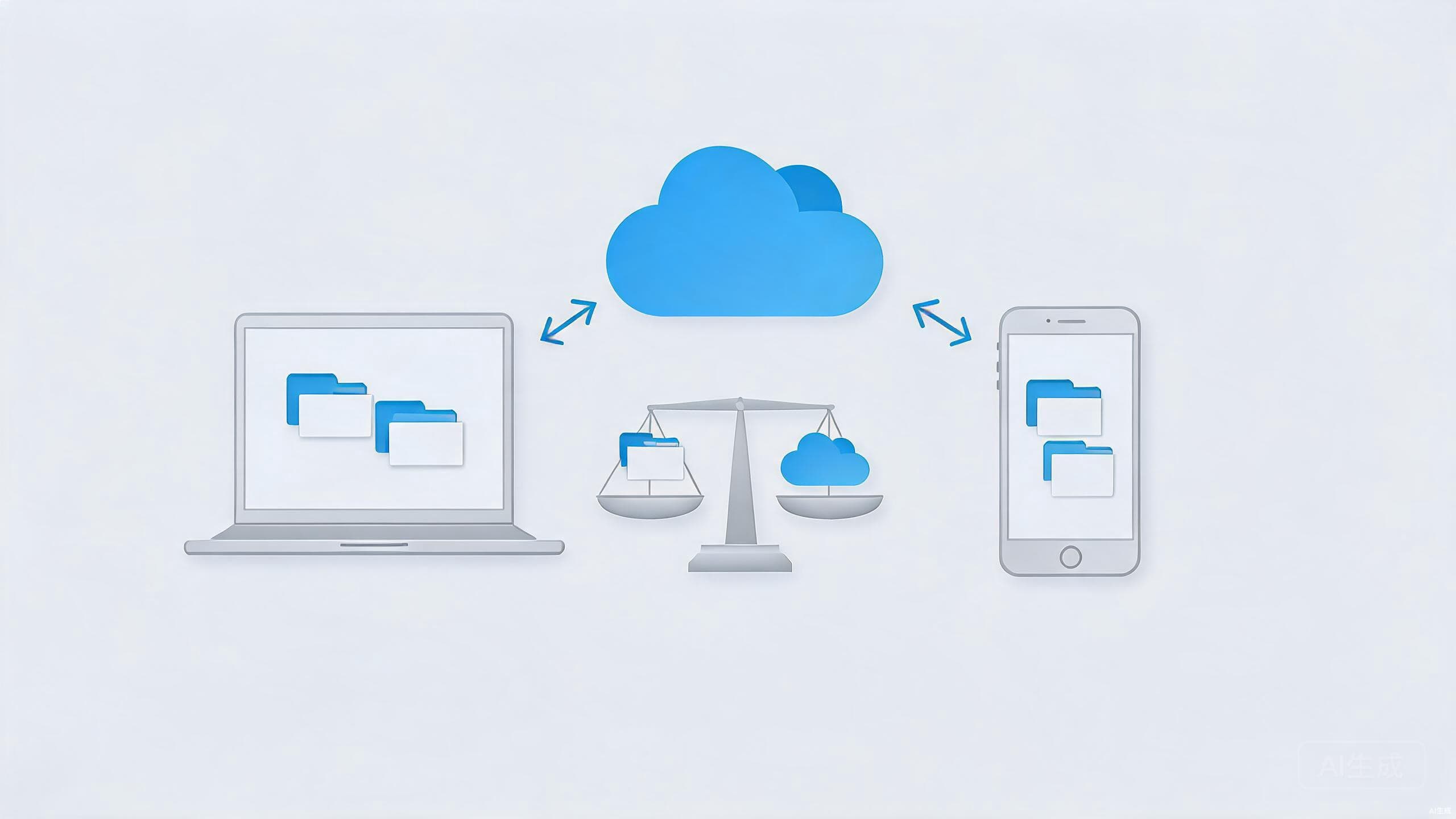
Learn how to compare consumer cloud storage services like Google Drive, OneDrive, Dropbox, and Proton Drive using security, price, and workflow criteria.
How collaboration tools, AI assistants and virtual offices are reshaping remote work in 2026.
A practical comparison of Google Gemini and ChatGPT, covering writing, coding, research, pricing and real-world use cases.
A detailed review of the 2026 MacBook Air, covering design, performance, battery life, display and value for everyday users.
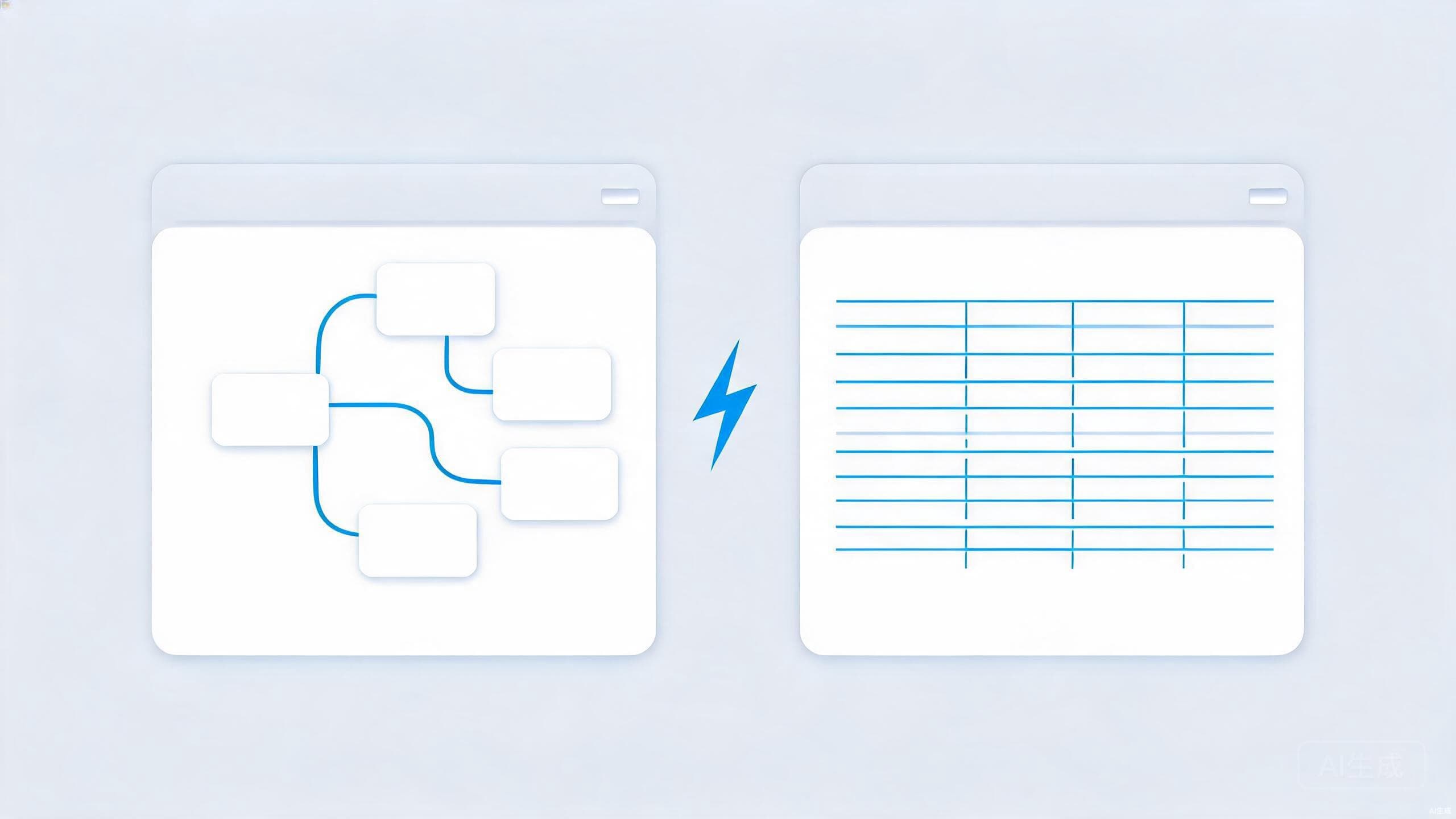
Obsidian and Notion solve different problems. This comparison breaks down structure, offline access, collaboration, and privacy to help you pick your fit.
From LibreOffice to GIMP and Bitwarden, open-source alternatives can replace pricey subscriptions. Here is how to pick ones that are genuinely worth your time.
Getting mediocre answers from AI chatbots? Learn the prompt engineering basics that improve results — context, constraints, examples, and iteration.
A safe, step-by-step tutorial to speed up a slow Windows PC: clean up startup apps, free disk space, run updates and check for malware the right way.
A practical comparison of tablets and laptops for students, covering note-taking, typing, software, battery life and price.
Fifteen Windows 11 settings that quietly drain time and focus, with step-by-step paths through the Settings app to fix each one in a few minutes or less.