How to Choose a Smartwatch: A Practical Buying Guide
Smartwatch features and specs explained: compatibility, battery life, health tracking and design, so you can pick the right wearable for your wrist.
Advertisement
A smartwatch used to be an easy gift to give and a hard product to love. Early models did a handful of things badly and needed charging every night. Today the category has matured into something genuinely useful — which is exactly why buying one has become confusing. Every device on the shelf promises health tracking, notifications, payments and a week of battery life, and every marketing page insists its watch is the one for you.
The good news is that most of that confusion disappears once you answer a few practical questions. This guide walks through the decisions that actually matter — compatibility, battery expectations, sensors, and everyday comfort — and skips the spec-sheet trivia that rarely improves anyone's experience.
Start With Phone Compatibility
Before you look at a single feature, settle one question: which phone will the watch live with?
The Apple Watch is designed for the iPhone and effectively requires one — pair it with an Android phone and most of what makes it useful goes away. On the Android side, Samsung's Galaxy Watch and Google's Pixel Watch are the flagship options, and both integrate most deeply with recent Android versions. Garmin, Fitbit and Amazfit take a more platform-agnostic approach and generally work well with both ecosystems.
This single question typically eliminates half the market, which is a public service in a category this crowded.
Match the Watch to How You Actually Live
Once compatibility narrows the field, think honestly about the primary job you want the watch to do.
For Training and Outdoor Sports
If you run, cycle, hike or swim regularly, fitness-first brands like Garmin, Polar and Coros deserve a hard look. These watches typically emphasize accurate GPS, long battery life measured in days rather than hours, and training metrics aimed at people who structure their workouts. The trade-off is that smart features — app notifications, voice assistants, mobile payments — tend to feel secondary.
For Everyday Smart Features
If the watch is mainly a wrist-mounted extension of your phone, the Apple Watch and Samsung Galaxy Watch are the strongest all-rounders. Notifications, calls, music control, payments and a deep app selection are the point here, and both platforms have refined the experience over many generations. Battery life is the usual compromise: plan on charging a full-featured smartwatch every day or two.
For Style and Gentle Tracking
If you want notifications and basic activity tracking in something that looks like a regular watch, hybrid smartwatches from brands like Withings pair analog hands with a hidden display. They trade apps and touchscreens for battery life measured in weeks and a look that survives formal occasions.
Set Realistic Battery Expectations
Battery life is where smartwatch marketing gets stretchy, so it helps to know the general pattern before you shop.
| Watch type | Typical battery behavior |
|---|---|
| Full-featured smartwatch | Usually one to two days per charge |
| Fitness-first GPS watch | Often several days to a week or more |
| Hybrid smartwatch | Weeks, sometimes months |
Two habits drain batteries faster than almost anything else: an always-on display and continuous workout tracking with GPS. If you want the screen to glow every time you glance at it, budget for nightly charging no matter what the box says.
Sensors and Health Features: What Helps and What Is Hype
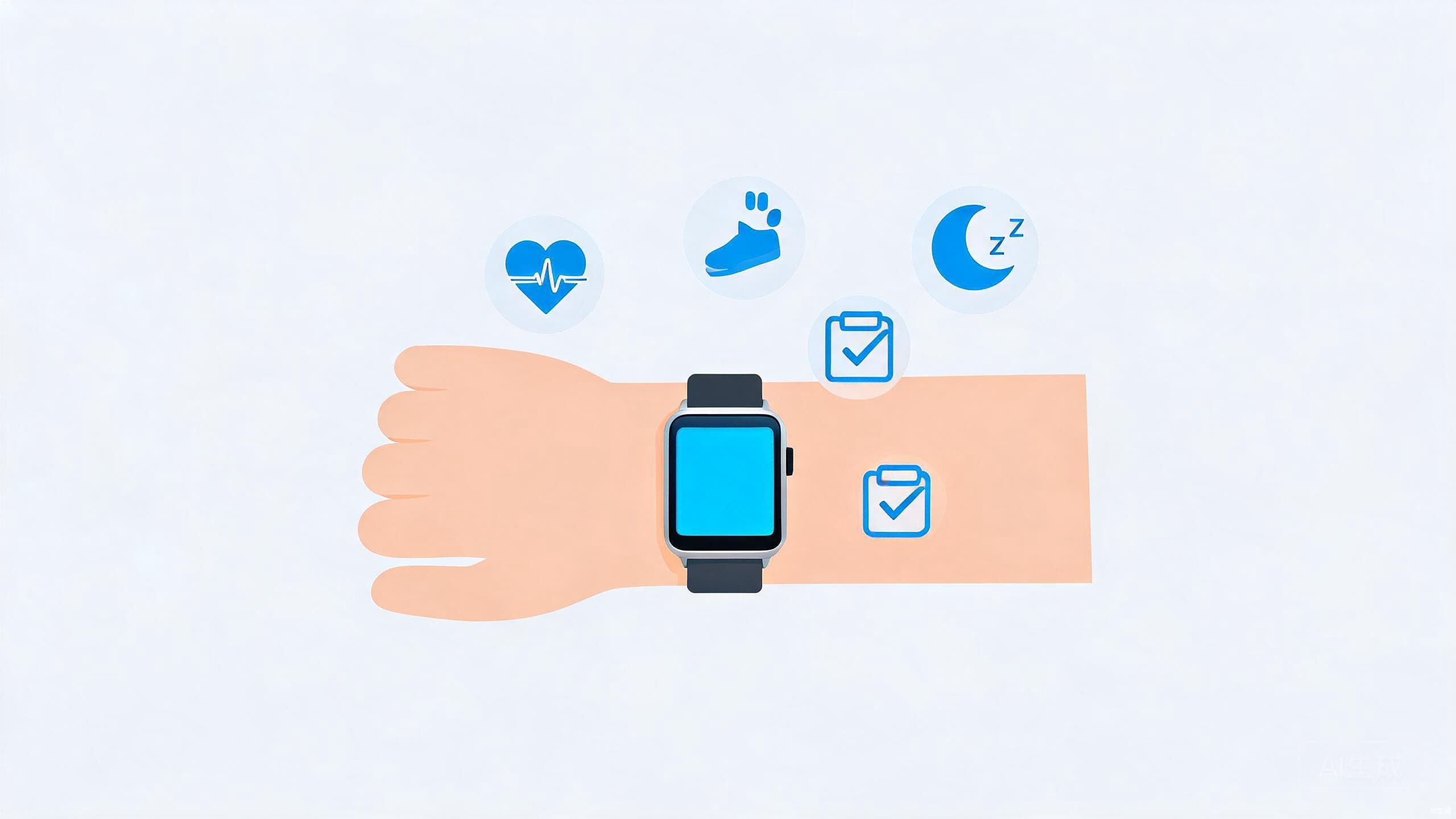
Every smartwatch tracks steps and heart rate, and most now include sleep tracking that is genuinely decent for spotting patterns — even if it is not a substitute for a medical sleep study.
Beyond the basics, features get more specialized. An ECG app can flag signs of atrial fibrillation, and blood-oxygen sensors became common in recent years, but these are wellness tools rather than diagnostic instruments. GPS matters more than most sensor additions if you exercise outdoors. It is also worth knowing that a growing share of health processing happens on the watch itself rather than in the cloud — a meaningful plus if you care who sees your data, as our on-device AI explainer describes in a wider context.
One honest note: if a health feature sounds medical — fall detection, irregular-rhythm alerts — check whether it has been cleared for use in your country, because availability varies by region. For the bigger picture on what companies do with health data, our digital privacy guide is a good next stop.
Displays and Everyday Comfort
You will interact with the display dozens of times a day, so it deserves real weight in your decision. Bright, high-contrast screens look great and stay readable outdoors, but always-on behavior costs battery. Case size affects comfort more than most people expect — on smaller wrists, a large case can catch on sleeves all day and feel heavy during workouts.
For durability, look for a stated water rating rather than the phrase "water-resistant" on its own. And remember that bands are replaceable: a mediocre default band is an easy fix, not a dealbreaker. Weight, thickness and how the watch sits on your wrist while you move matter more than any spec line on a comparison chart.
Software and Ecosystem Extras
The last tier of decisions concerns the software around the watch. Mobile payments are quietly among the most used features on modern smartwatches — check that your bank or card is supported in your region before assuming they are. Voice assistants, third-party apps and customizable watch faces vary widely between Apple, Google's platform, Garmin and the rest, and they vary again by country. If a specific app is the reason you want the watch, verify it exists on that platform before you buy, not after.
If you are the kind of buyer who prefers a framework to a list of favorites, our guide to evaluating budget laptops uses the same decision-first approach applied to a very different gadget.
Conclusion
Choosing a smartwatch comes down to a short stack of questions. Which phone does it need to pair with? What is its primary job — fitness, smart features or style? How much charging are you willing to do? Answer those three and the short list writes itself. Buy for the features you will use weekly, ignore the ones you would demo once, and a wrist-worn gadget becomes what it should be: a quiet upgrade to your day rather than another screen demanding attention.